
CachePilot Server for ISPConfig, beta
Redis for ISPConfig hosting: one instance per customer, managed in the panel.
CachePilot Server adds Redis instances to ISPConfig 3.3 and later. Each customer gets a Redis 7 container with 128, 256 or 512 MB, provisioned through the ISPConfig cron in about 60 seconds.
From the panel to a running cache in four steps
01
Create the instance
In ISPConfig the customer or the admin picks a size of 128, 256 or 512 MB, a security mode and the persistence.
02
Wait for the cron
The ISPConfig cron starts the Redis 7 container. The instance is ready in about 60 seconds.
03
Copy the block
The Connection tab shows a finished wp-config block with WP_REDIS_* constants and the CA certificate for TLS.
04
Activate CachePilot
The CachePilot plugin reads the constants on activation and starts Autopilot. Nothing has to be typed twice.
What the Status tab shows
Nine figures per instance, read live from Redis.
| Figure | What it tells you |
|---|---|
| Memory Used | Memory in use, next to the limit of the instance |
| Memory Peak | The highest memory use since the start |
| Hit Rate | Share of reads Redis could answer |
| Connected Clients | Open connections, for example PHP workers |
| Total Commands | Commands processed since the start |
| Uptime | Time since the last start of the instance |
| Keys | Number of stored keys |
| Evicted Keys | Keys Redis removed because memory was full |
| Security mode | TLS only, dual mode or plain only |
Actions per instance
Start, stop and restart, renew the password and download the CA certificate. Actions wait in a queue and run within the next minute through the ISPConfig cron.
Feature catalog
What customers see and what admins control.
Customer
Admin
Instances
3 sizes
Each customer gets a Redis instance of its own, not one per website.
Start, stop, restart
Customer
Renew password
Customer
Security mode
Customer
Persistence
Customer
Control
9 figures
Limits and capacity, so one customer cannot use up a server.
Limits per customer
Admin
Several servers
Admin
Status per instance
Admin
Two languages
Admin
Not included: backups, Unix sockets, ACL users and automatic WordPress configuration. Ask us about your setup.
An instance in ISPConfig, start to finish
The video shows the extension in a cleaned test instance. It has no sound; the transcript below holds the text of every scene.
Transcript of the video
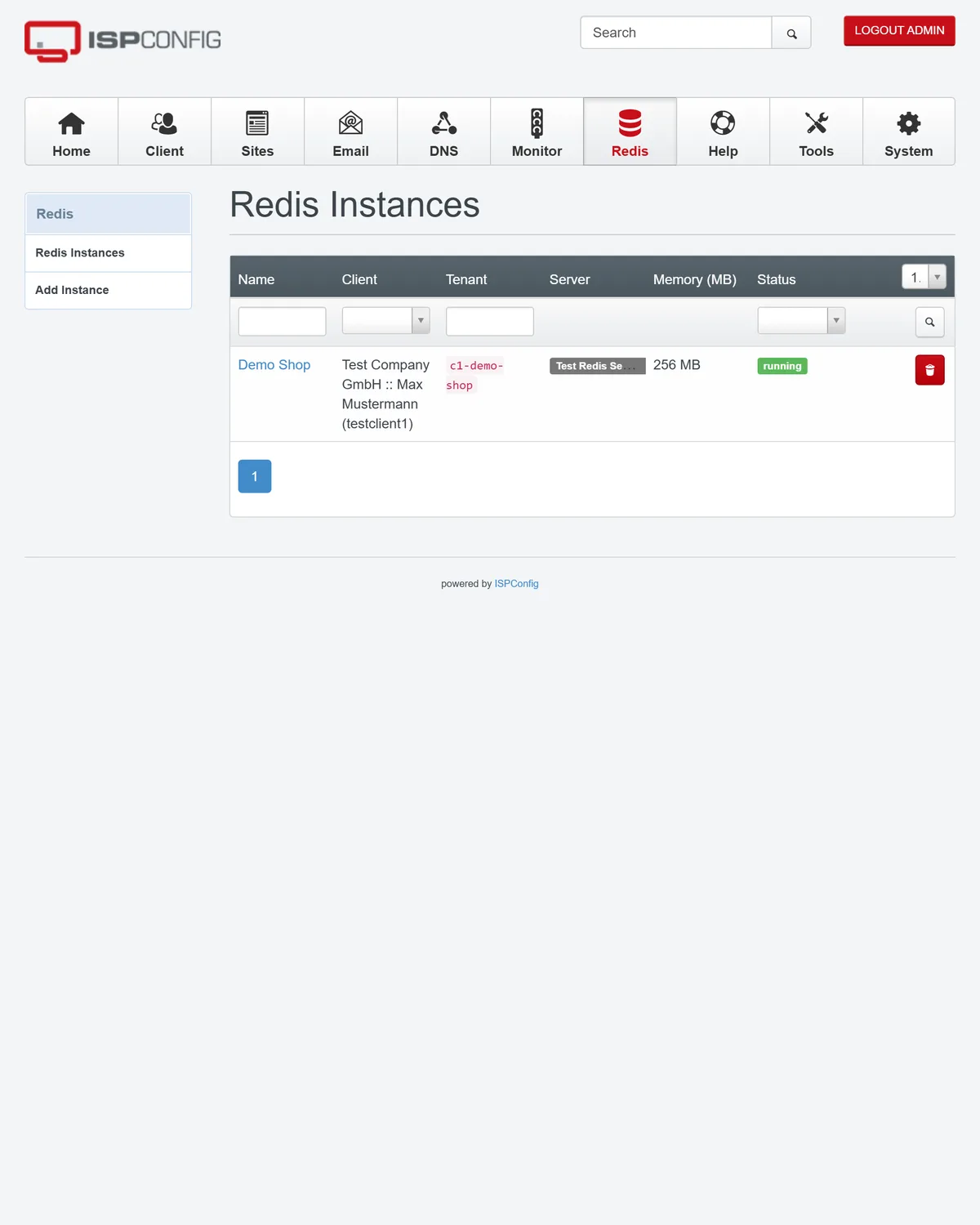
- ISPConfig, Redis Instances: the list of a test customer is empty.
- New instance: name, 256 MB, security mode plain-only, persistence memory-only.
- The status shows Creating while the action waits for the ISPConfig cron.
- About a minute later the status is Running.
- The Connection tab with the wp-config block. The password is hidden.
- The Status tab with its nine figures, refreshed every 15 seconds.
- In WordPress, CachePilot is activated and the Overview shows Redis connected.
Contact
Rolling out Redis for many customers? Talk to us.
CachePilot Server is in beta and available on request, under a proprietary licence of CMS ADMINS and only with a contract.
- Send a request through the server contact form
- Run the plugin first in the CachePilot beta
- Read the requirements of the plugin