
WPML and WCML
Redis cache for WordPress sites with WPML and WooCommerce Multilingual.
CachePilot switches on its WPML and WCML modules as soon as the plugins are active. Language domains and currency cookies enter the page cache key, so every visitor gets the right language and the right price.
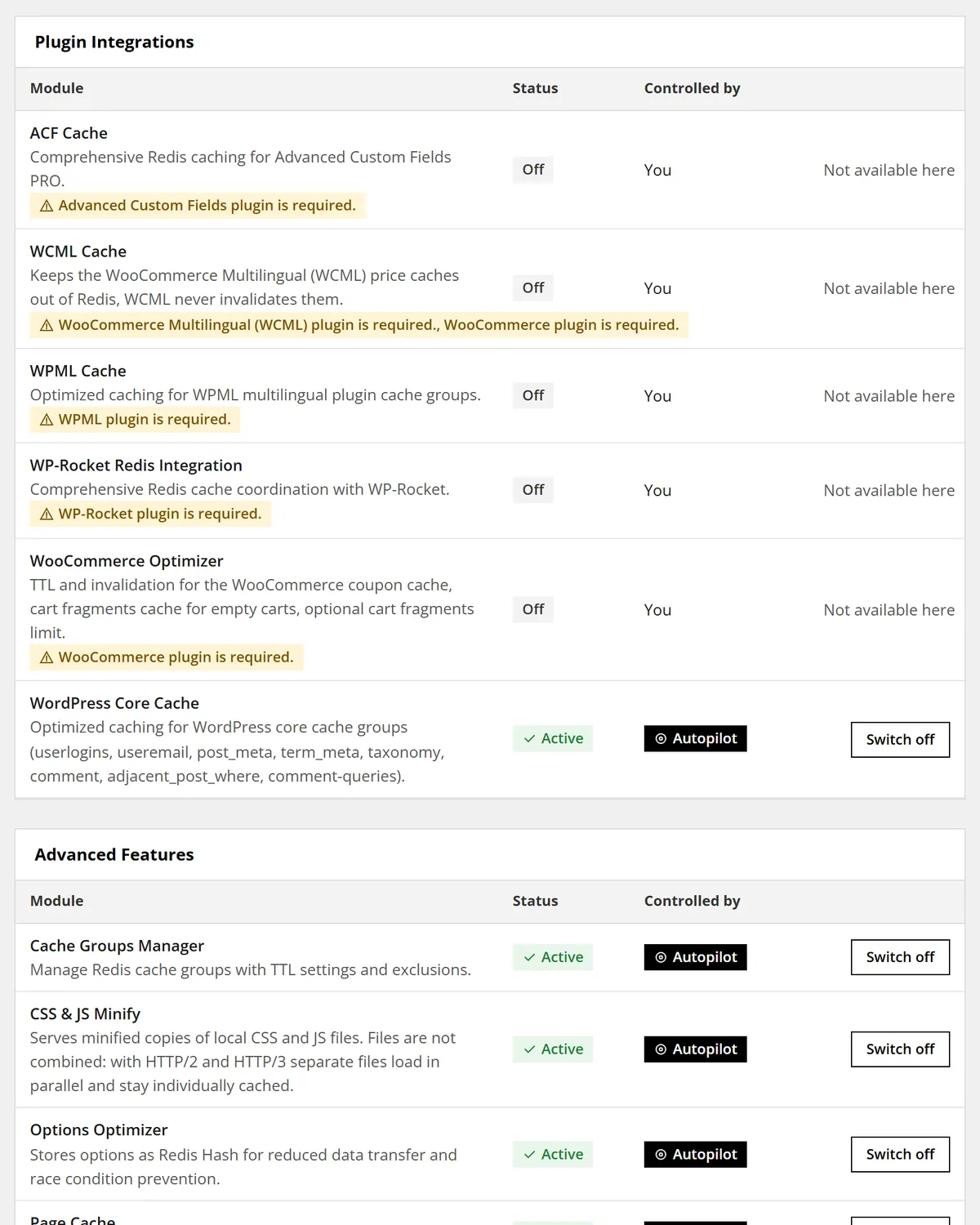
Two modules, one rule: never mix languages or currencies
WPML Cache. Caches the language list, string translations and translation relationships of WPML in Redis. Purges reach the translations of a changed post.
Pages on language domains get keys of their own, so a page in one language never answers for another.
WCML Cache. WooCommerce Multilingual never invalidates its price caches. CachePilot therefore keeps them per request and out of Redis.
Currency and language cookies of WCML, Aelia, Currency Converter Widget, Polylang and Cookie Notice enter the page cache key.
Where to see it in the admin
Open a numbered point to read what it shows. On small screens the notes follow the image as a list.
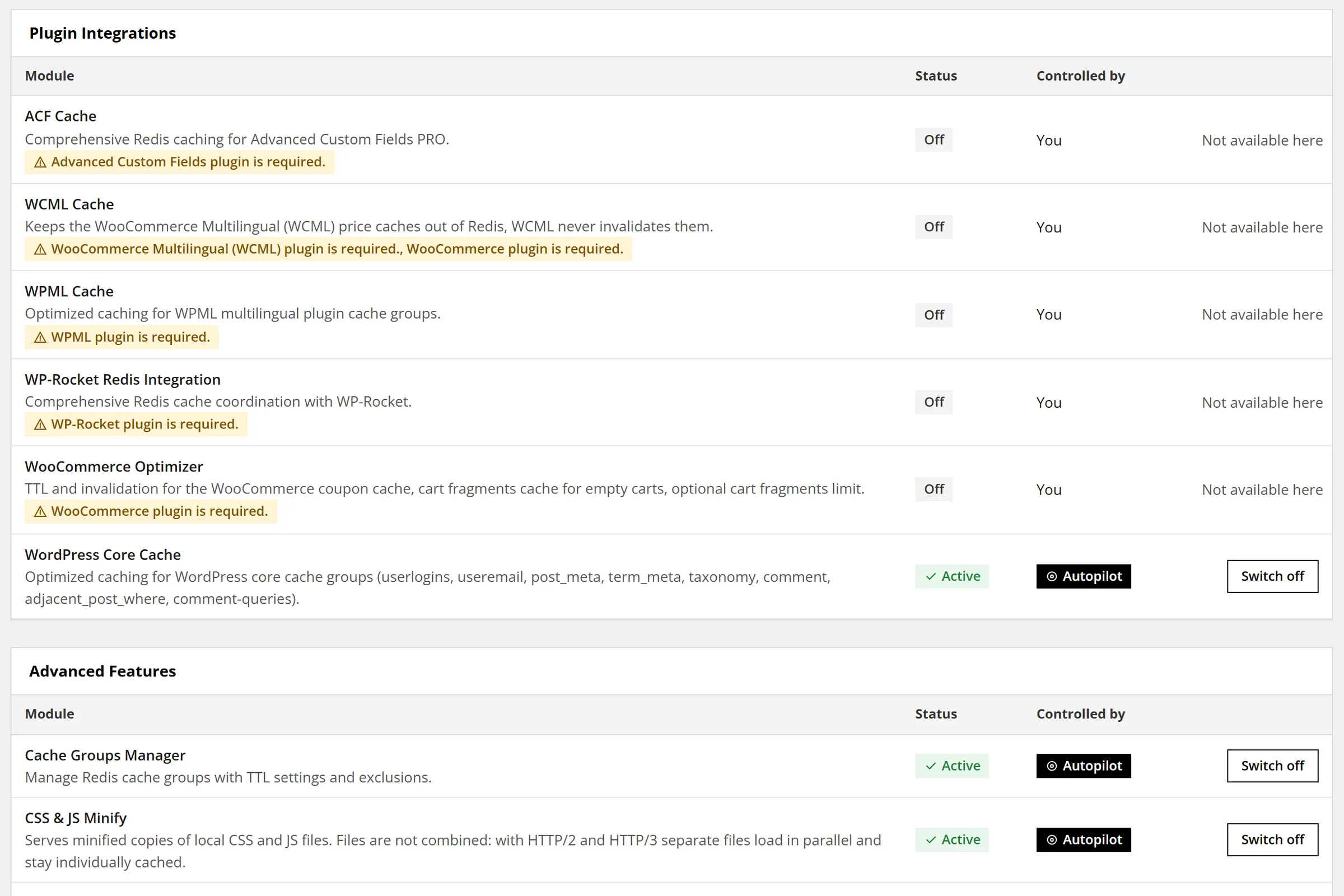
WPML Cache
Autopilot switches these modules on as soon as WPML or WCML is active.
WCML Cache
Keeps the WCML price caches per request.
Control
Shows whether Autopilot or you control the module.
Questions about multilingual sites
More answers are in the FAQ of the documentation.
Does CachePilot support Polylang?
The page cache reads the language cookie of Polylang and builds keys for language domains. There is no separate Polylang module.
Why are WCML prices not stored in Redis?
WCML never invalidates its price caches. Stored in Redis, they would show old prices after a change.
Do I have to set anything up?
No. Autopilot switches on the modules when WPML or WCML is active.
Was CachePilot tested on a multilingual shop?
Yes. The benchmarks come from a live WooCommerce store with WPML, WCML and Elementor.
Beta
One cache for every language of your site.
Join the beta and let Autopilot switch on the right modules. Details are in the module overview.