
CachePilot documentation
How to install CachePilot 1.4.2, what Autopilot does, every WP-CLI command and what to check when the cache does not behave. Written for site owners, agencies and hosts.
Six pages, from the first upload to the last question
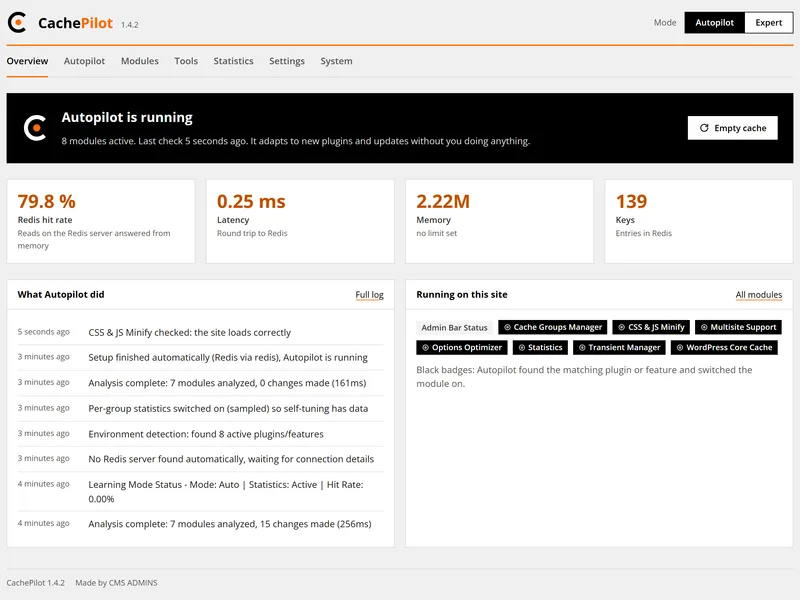
Start
Getting started
Upload the ZIP, activate it and check the result with one command.
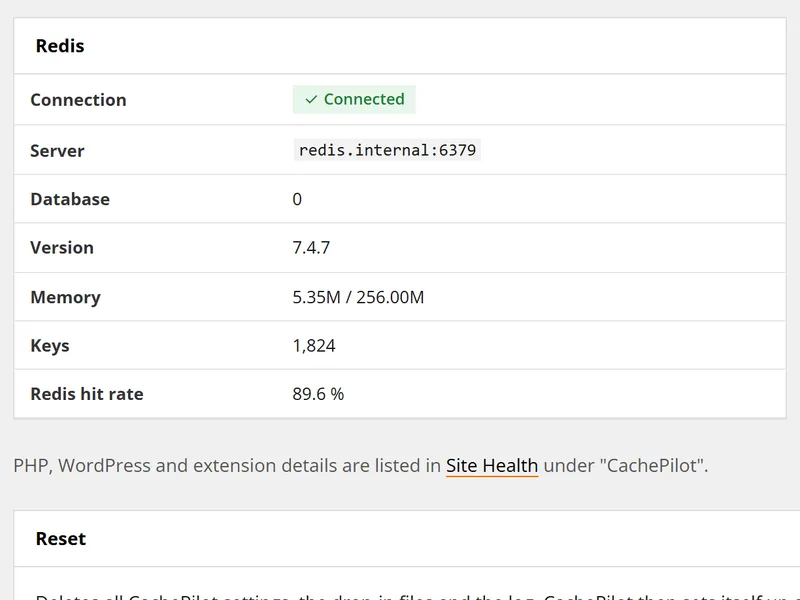
Start
Requirements
PHP, phpredis, WordPress and Redis versions, and what CachePilot does not support.
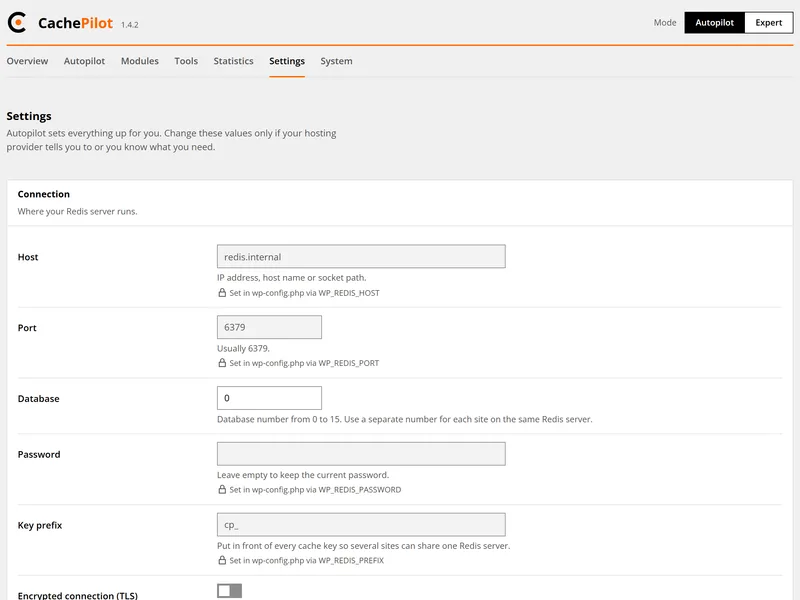
Concepts
Autopilot and Expert mode
Which module Autopilot switches on when, and what changes in Expert mode.
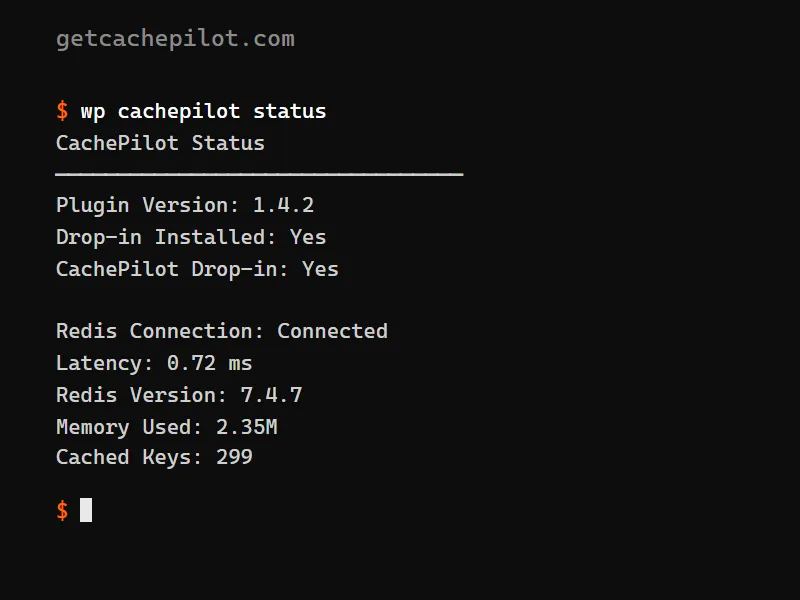
Reference
WP-CLI commands
status, test, flush, stats, modules and dropin with every option.
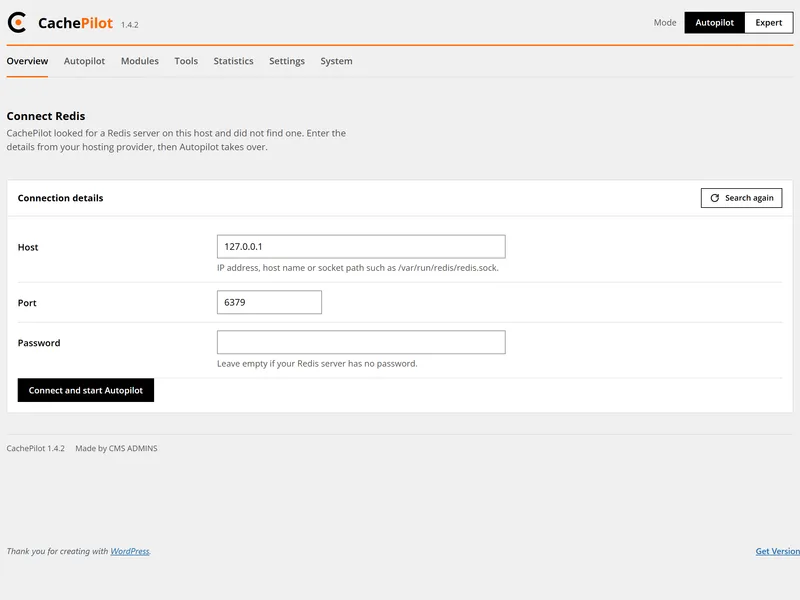
Help
Troubleshooting
The messages CachePilot shows and what to do about each of them.
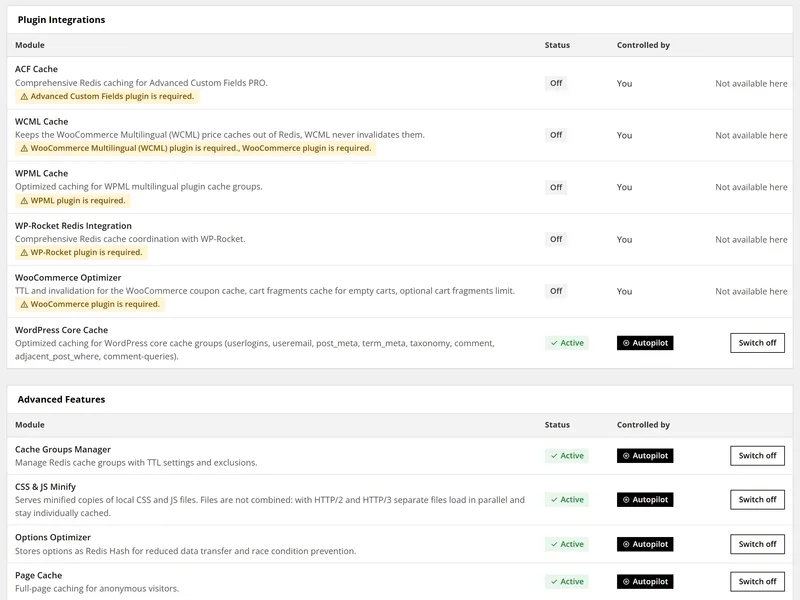
Help
FAQ
Short answers about Redis, other cache plugins, Multisite, privacy and the beta.
Release notes
Every release in your inbox.
Beta testers get an e-mail with each new version of CachePilot and what changed. The newsletter is part of the beta and can be cancelled with one click.