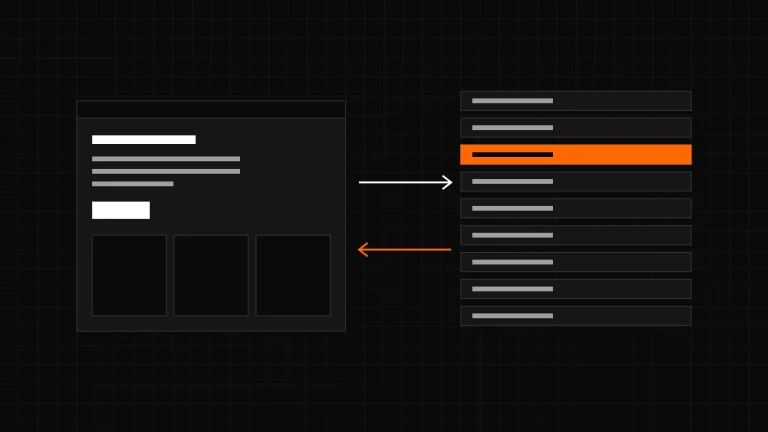
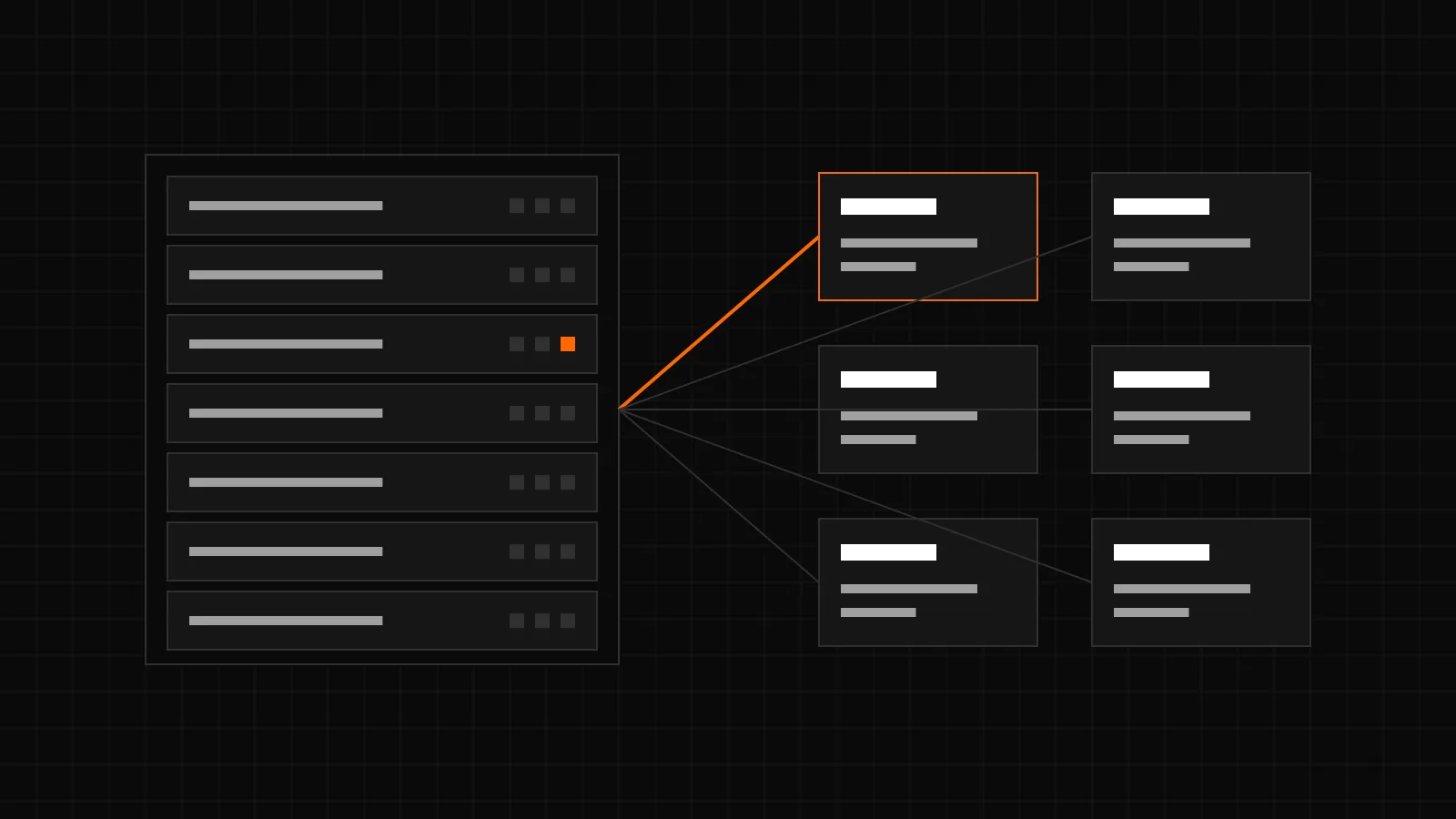
CachePilot Server for ISPConfig lets hosting customers create and manage their own Redis instances in the ISPConfig panel. Versions 1.0.0 and 1.1.0 of the ISPConfig extension were both released on 11 February 2026. The extension and CachePilot Server are proprietary software by CMS ADMINS and are available on request only.
What problem does it solve?
An object cache needs a Redis server. On shared hosting that usually means one Redis for many customers, with one password or none, and one memory limit for everybody. CachePilot Server runs a separate Redis instance per customer instead. The ISPConfig extension is the part the customer sees: it adds a Redis section to the panel and talks to the CachePilot Server API in the background.
What is in version 1.0.0?
- Create, edit and delete Redis instances in the panel.
- Start, stop and restart an instance with a button.
- Live figures per instance: memory, connections, hit rate and uptime.
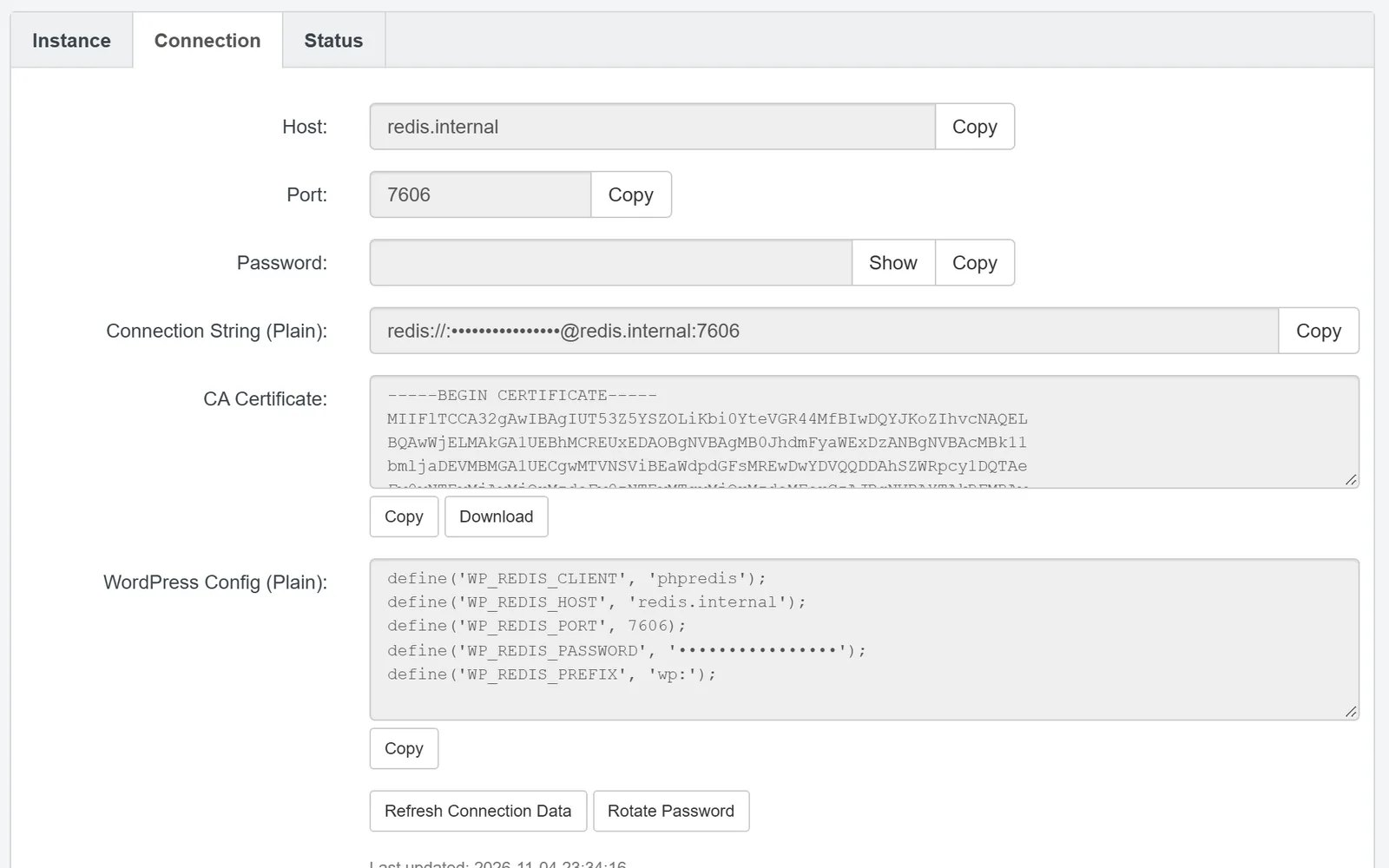
- Connection details for the customer: host, port, TLS port and password, the password hidden until shown.
- Password rotation on demand.
- A settings page for the CachePilot Server connection with a health check of the API.
- Limits per client: maximum number of instances and total memory.
- English and German, packaged in the ISPConfig 3.3 extension format (.pkg).
What did version 1.1.0 add?
- A server plugin for ISPConfig that processes actions in the background, with a queue of pending actions handled through the ISPConfig datalog.
- Connection details stored locally in the ISPConfig database, so the panel does not ask the API every time.
- Several CachePilot servers with their own API address and key, and the free capacity of each server shown when an instance is created.
- Access to RedisInsight, a web interface for Redis.
- An upgrade migration for installations of 1.0.0.
How does a customer create an instance?
- In ISPConfig, open Redis and choose Add Instance.
- Enter a name, choose the memory size and the server.
- Save. The instance is created on the CachePilot server; this takes about 60 seconds.
- Copy the WordPress configuration from the tab Connection into wp-config.php of the site. The CachePilot plugin reads it and connects.
An instance stays on the server it was created on. A server can only be removed from ISPConfig when it has no active instances.
What does it not do?
CachePilot Server is in beta. It is clear about its limits:
- It runs standard Redis, not a Redis of its own, and no Valkey.
- Instances are created per customer, not per website.
- Memory sizes are 128, 256 or 512 MB.
- No Unix sockets and no Redis ACL users; each instance has one password.
- No automatic WordPress configuration. The panel shows a block for wp-config.php to copy.
- No backups of instance data.
Who can get it?
The extension needs ISPConfig 3.3 or later and PHP 7.4 or later with the curl extension, plus access to a CachePilot Server API. There is no public download. Hosting providers who want to run it ask through the CachePilot Server page; it is provided under a separate contract. The guide Redis for hosting providers explains why one instance per customer is the safer setup.
Sources
- CHANGELOG.md of the ISPConfig extension, entries 1.0.0 and 1.1.0, both dated 2026-02-11.
- README.md of the ISPConfig extension: features, requirements, usage and multi-server behaviour.
- extension/cachepilot/interface/web/redis/form/redis_instance.tform.php: memory sizes 128, 256 and 512 MB.
- Product specification of getcachepilot.com of 4 November 2026: limits of CachePilot Server and licensing.