A persistent object cache keeps the results of WordPress database queries in Redis, so the next request reads them from memory instead of asking the database again. It pays off most on sites with many queries per page: WooCommerce shops, multilingual sites and busy admin areas. It needs a Redis server, the PHP extension phpredis and a plugin that handles shared databases, flushes and outages correctly.
What does an object cache do in WordPress?
WordPress has an object cache built in, but by default it lives only for one request. Options, posts, terms, user data and the results of many plugin queries are loaded, kept in PHP memory and thrown away when the page is done. The next request loads them again.
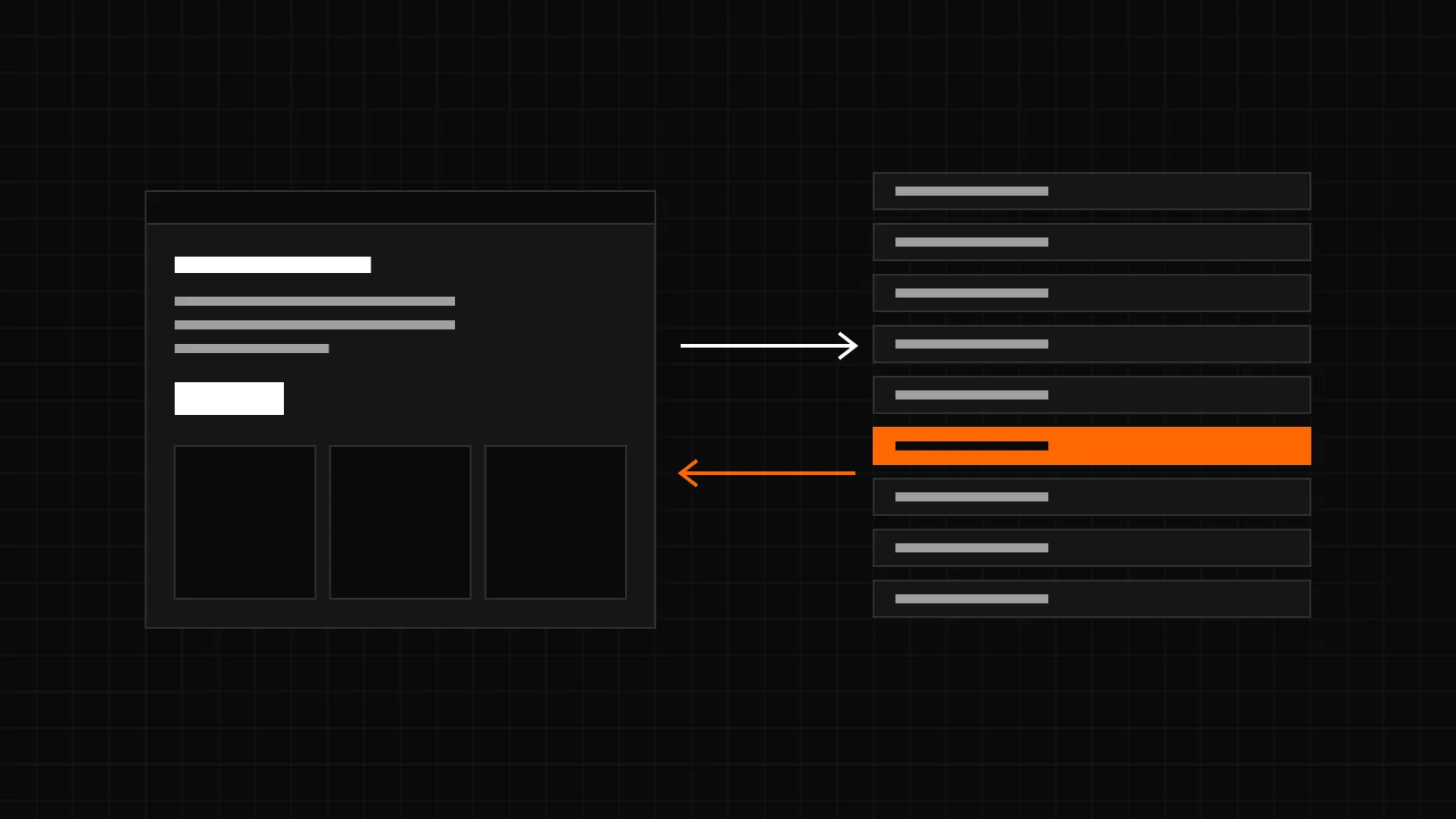
A persistent object cache replaces this with a drop-in, wp-content/object-cache.php, that stores the same data in Redis. Every request can then reuse what earlier requests loaded. The database answers fewer queries, and pages that cannot be cached as a whole, such as a cart, an account page or the admin, get faster too.
When does it pay off?
- Many database queries per page. Large menus, product filters, related posts and page builders all run queries the cache can answer.
- WooCommerce. Product data, prices, terms and sessions are read again and again. Cart, checkout and account pages cannot come from a page cache, so the object cache is what makes them faster. The guide Page cache and WooCommerce explains why.
- Logged-in users and the admin. Editors, shop managers and members never see page cache hits. Every screen they open runs on the object cache.
- Multilingual sites. WPML and WCML add their own lookups for languages, translations and currencies to almost every query.
A small brochure site whose pages all come from a page cache gains little. The object cache helps the requests that a page cache cannot serve.
What do I need?
- A Redis server, version 6.0 or later for CachePilot, on the same host or reachable over an internal network or TLS.
- The PHP extension phpredis. Without it CachePilot stays inactive. igbinary is optional and makes stored values smaller.
- Enough memory in Redis for the data of the site, with a sensible eviction policy (see below).
Which pitfalls should I know?
A shared Redis database
Many hosts give several sites or applications the same Redis database. Without a key prefix, two WordPress sites overwrite each other’s options. And a plain flush with FLUSHDB empties the whole database, including the data of everybody else on it.
Flushes
WordPress and many plugins flush the object cache after updates and imports. On a shared database the flush must only delete the keys of the site that asked for it. Deleting by pattern is slower than FLUSHDB, so it should only be used when it is needed.
Memory limit and eviction
Redis keeps everything in memory up to its maxmemory limit. What happens then depends on maxmemory-policy. With allkeys-lru Redis removes the least recently used keys and the cache keeps working. With noeviction, the default of many installations, new writes fail once memory is full.
Outages
If Redis hangs or is unreachable, a naive drop-in waits for the timeout on every cache call. A page with hundreds of cache calls then takes much longer than without any cache. When Redis returns, it may still hold values that were changed in the database during the outage.
How does CachePilot handle these?
- Prefix. Every key starts with a prefix, cp_ by default or the value of WP_REDIS_PREFIX. On Multisite each site adds its blog ID, so emptying one site leaves the others alone. Separate WordPress installations that share one Redis database need different prefixes; set WP_REDIS_PREFIX in wp-config.php for each of them.
- Flushes limited to the prefix on shared databases. During setup CachePilot scans the database. If it finds keys without its prefix, it switches on the setting “Limit flushes to this site” and writes this to the Autopilot log. From then on a flush deletes only keys with the CachePilot prefix. On a database of its own it uses FLUSHDB.
- 30 seconds without Redis after an outage. After a connection error the drop-in stops using Redis for the rest of the request, so a hanging server costs one timeout, not one per call. The next requests skip Redis for 30 seconds and run on the database. The first request that reconnects empties the cache once, because writes and deletes from the outage never reached Redis. Default timeouts are 1 second for connecting and 2 seconds for reading.
- Prefetch. CachePilot records which keys a page uses, per path and per set of parameter names, on 1 in 10 requests and up to 2,000 keys. Later requests to the same page load those keys in one MGET round trip instead of many single calls.
- igbinary. If phpredis was built with igbinary and the extension is loaded, CachePilot stores values with the igbinary serializer, otherwise with PHP’s own. Compression with lz4 or zstd can be chosen in the settings when PHP supports it.
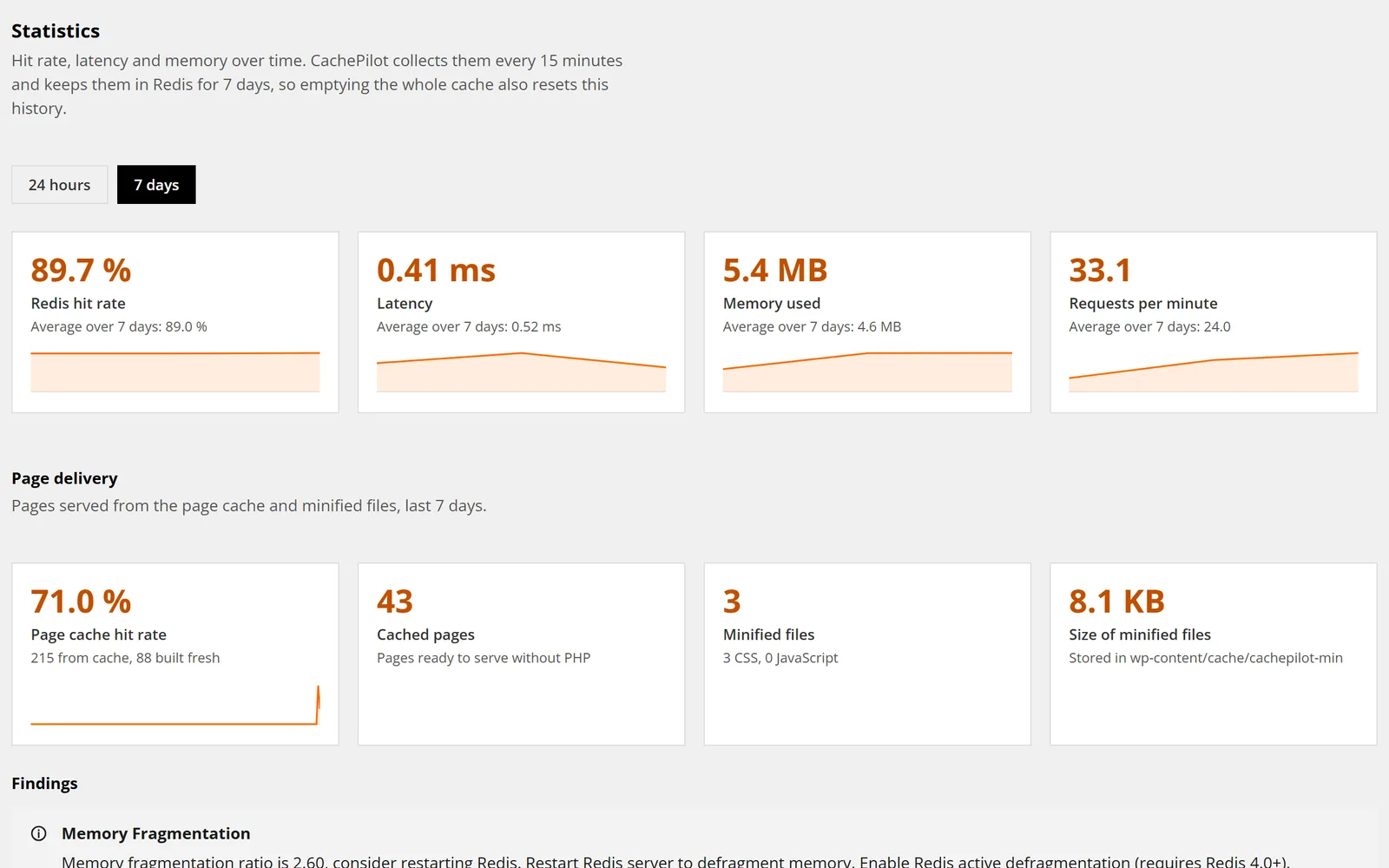
- Memory warnings. The hourly self-check warns when Redis is at least 90 % full and set to noeviction, and when Redis has started to evict keys.
How much does it save?
We measured on a live WooCommerce store with WPML, WCML and Elementor in November 2026. After the prefetch fixes of version 1.2.0, the Redis commands per uncached request fell from 960 to 195 on the start page and from 691 to 61 on the shop page. Against Redis Object Cache 3.0.0, as the median of 11 rounds, CachePilot was 10 to 15 % faster on the front end and 4 to 17 % faster in the admin, with 150 to 290 cache misses per request against 320 to 1,100. The benchmarks page describes the method and has the raw data.
More on the drop-in is on the object cache page. To try it on your own sites, join the beta.
Sources
- plugin/object-cache.php: RETRY_AFTER = 30, fail() and markDown() for outages, flush() with smart_flush, PREFETCH_MAX_KEYS = 2000, igbinary serializer, compression options.
- plugin/src/Autopilot/Setup.php: isSharedDatabase() and the log entry for shared databases.
- plugin/src/Core/Config.php: default prefix cp_, prefetch sample rate 10, mapping of WP_REDIS_PREFIX.
- plugin/src/Autopilot/AutopilotFacade.php: checkMemory() with the thresholds for noeviction and evicted keys.
- plugin/readme.txt: requirements and changelog 1.2.0 and 1.4.1 (timeouts, 30 second fallback).
- Live measurements of November 2026, anonymised, as published on the benchmarks page.