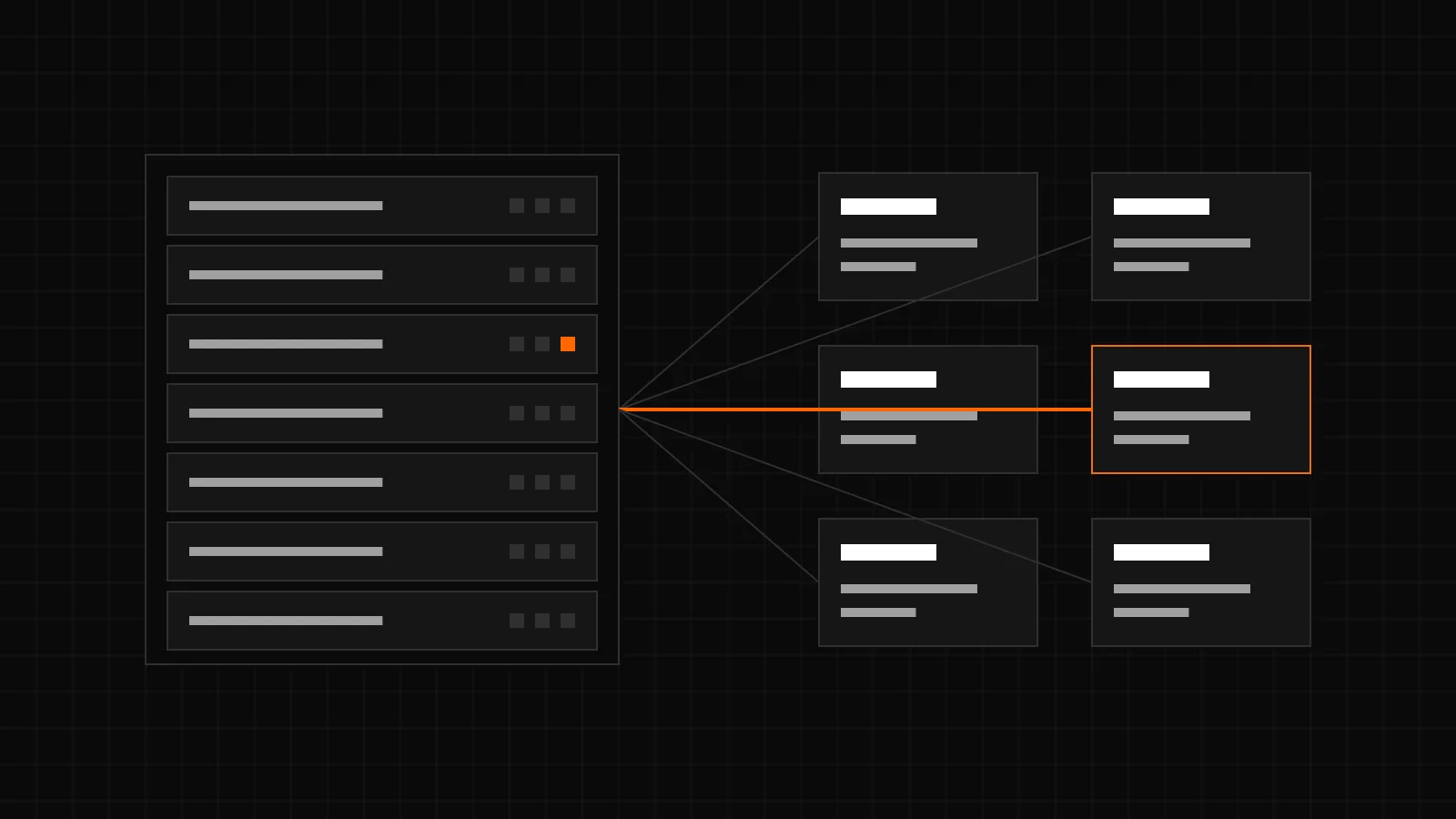
Hosting providers who offer Redis for WordPress should give each customer an instance of their own instead of one shared Redis server. A separate instance has its own password, its own memory limit and its own eviction, so one customer can neither read nor push out the data of another. CachePilot Server for ISPConfig sets this up from the ISPConfig panel, one Redis instance per customer.
Why is a shared Redis server a problem?
Redis was built for trusted networks. A single server shared by many customers usually has one password or none, and all customers work in the same set of databases. That leads to four problems:
- No isolation. Whoever can connect can read every key, including sessions and options of other sites. Separate database numbers are no protection, SELECT switches between them.
- One flush for all. A plugin that calls FLUSHDB or FLUSHALL empties the cache of every customer on that database or server.
- Shared memory. maxmemory applies to the whole server. A large shop fills it, and Redis evicts the keys of small sites that did nothing wrong. With noeviction, writes of every customer fail instead.
- No accountability. Hit rate, memory and connections cannot be shown per customer, so problems are hard to trace.
What should a Redis instance per customer have?
- Its own password, generated, shown only to the customer and rotatable at any time.
- Its own maxmemory, sized for the customer, with an eviction policy such as allkeys-lru, so a full cache keeps working instead of rejecting writes.
- An encrypted or internal connection. Redis traffic carries options, sessions and personal data. It belongs on an internal network or behind TLS, never in plain text over the public internet.
- Monitoring of memory, connections, hit rate and uptime per instance, visible to the hoster and to the customer.
- Limits per customer for the number of instances and the total memory, and a capacity limit per server.
How does CachePilot Server for ISPConfig do it?
CachePilot Server runs the Redis instances. The ISPConfig extension adds a Redis section to the panel and works as a proxy to the CachePilot Server API, so customers manage their instances where they already manage their websites.
- Customers create, edit, start, stop, restart and delete their instances themselves. A new instance is ready in about 60 seconds.
- Memory sizes are 128, 256 or 512 MB per instance.
- Each instance has its own password, shown on request and rotatable with one click.
- The security mode is TLS only by default; dual mode and plain only can be chosen for internal networks.
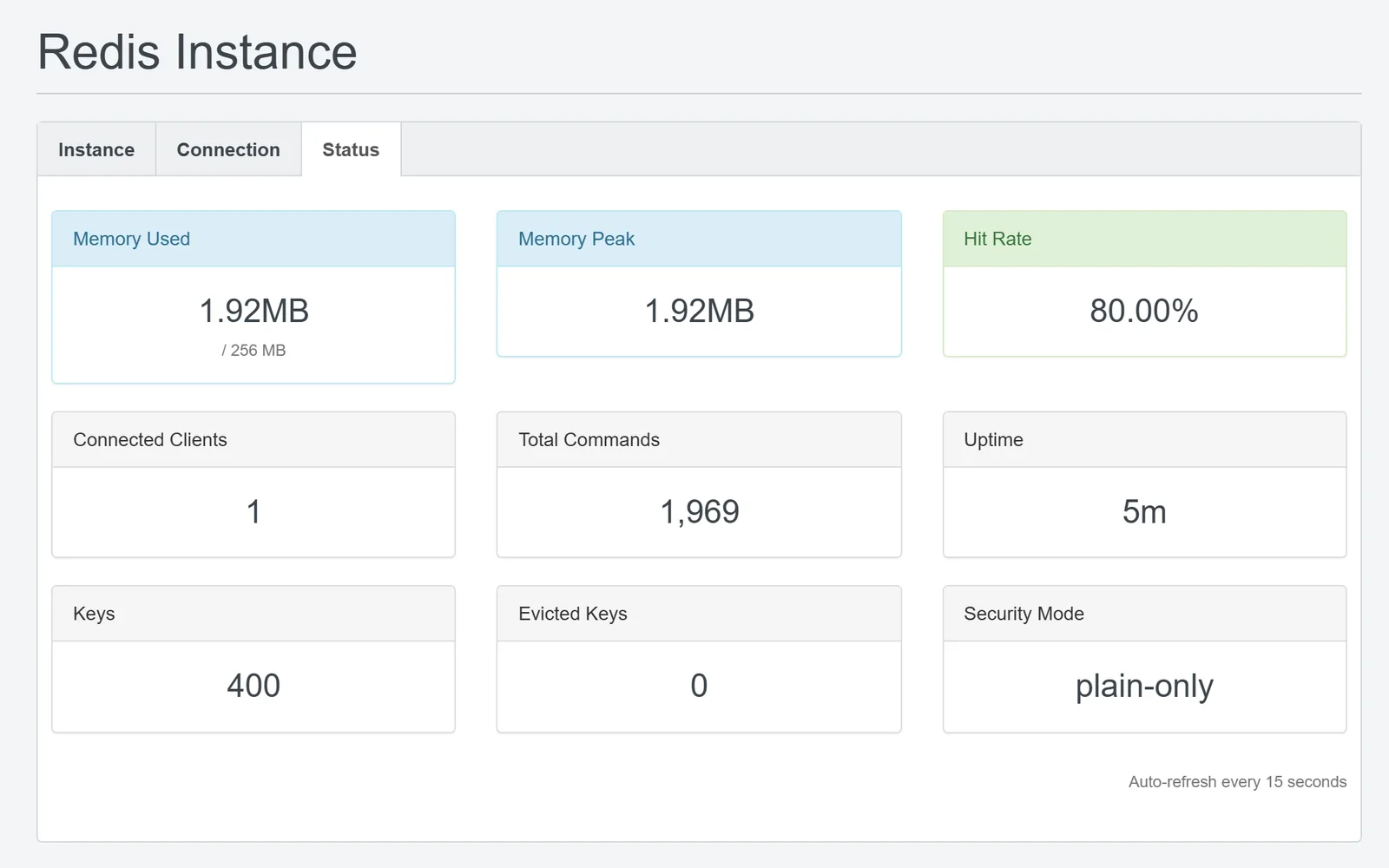
- The tab Status shows memory, clients, commands, hit rate and uptime of the instance.
- The hoster sets limits per client (instances and total memory) and a maximum number of tenants per server. Several CachePilot servers can be connected, each with its own API address and key.
Transcript of the video
- ISPConfig, Redis Instances: the list of a test customer is empty.
- New instance: name, 256 MB, security mode plain-only, persistence memory-only.
- The status shows Creating while the action waits for the ISPConfig cron.
- About a minute later the status is Running.
- The Connection tab with the wp-config block. The password is hidden.
- The Status tab with its nine figures, refreshed every 15 seconds.
- In WordPress, CachePilot is activated and the Overview shows Redis connected.
How does a site connect to its instance?
CachePilot Server does not change WordPress installations. The tab Connection shows a ready block for wp-config.php, one for a TLS and one for a plain connection, which the customer copies above the line “That’s all, stop editing!”. The CachePilot plugin reads the WP_REDIS constants in wp-config.php, for example:
define( 'WP_REDIS_HOST', 'redis.example.net' );
define( 'WP_REDIS_PORT', 6380 );
define( 'WP_REDIS_PASSWORD', 'password-from-the-panel' );
define( 'WP_REDIS_SCHEME', 'tls' );
define( 'WP_REDIS_PREFIX', 'shop' );Host, port and password come from the panel; the values above are examples. With WP_REDIS_SCHEME set to tls, CachePilot connects over TLS and verifies the certificate by default. On activation it finds the constants, installs the drop-in and starts Autopilot without further setup.
What are the limits of CachePilot Server?
- Status beta.
- Standard Redis, no Redis of its own and no Valkey.
- Instances per customer, not per website. Several sites of one customer share the instance; each of them needs its own WP_REDIS_PREFIX.
- No Unix sockets and no ACL users.
- No automatic WordPress configuration; the wp-config block is copied by hand.
- No backups of instance data.
The ISPConfig extension needs ISPConfig 3.3 or later and PHP 7.4 or later with curl. CachePilot Server and the extension are proprietary software by CMS ADMINS and are provided under a separate contract. Ask through the CachePilot Server page. The release history is in the post CachePilot Server for ISPConfig, and the plugin side is open for testing in the beta.
Sources
- README.md and CHANGELOG.md of the ISPConfig extension, versions 1.0.0 and 1.1.0 of 11 February 2026.
- extension/cachepilot/interface/web/redis/form/redis_instance.tform.php: memory sizes 128, 256 and 512 MB, security modes tls-only (default), dual-mode and plain-only.
- extension/cachepilot/interface/web/redis/templates/redis_connection.htm: WordPress configuration for TLS and plain connections.
- plugin/src/Core/Config.php of CachePilot: WP_REDIS_HOST, WP_REDIS_PORT, WP_REDIS_PASSWORD, WP_REDIS_PREFIX and WP_REDIS_SCHEME.
- Product specification of getcachepilot.com of 4 November 2026: limits of CachePilot Server.